
How to Pair a Garage Door Opener With a Specific App
Connecting your garage door opener to an app makes it easier to open, close, and monitor your door from your phone. Many homeowners start by pairing their opener right after a repair or upgrade. If you need expert help before pairing your device, trusted services like garage door repair in Stuart can make sure everything works smoothly. Once your system is working well, pairing it with an app only takes a few minutes..
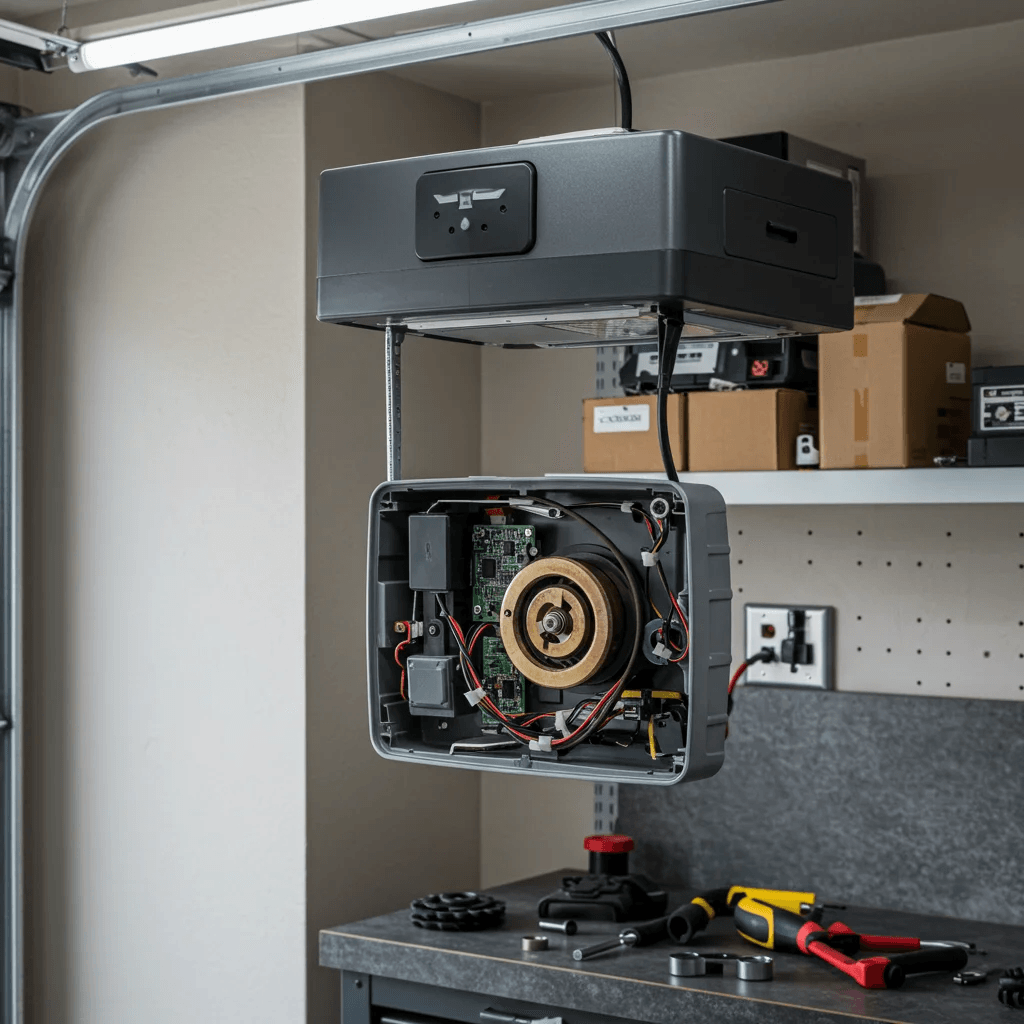
What It Means to Pair a Garage Door Opener With an App
Pairing a garage door opener with an app means connecting the opener’s smart system to your phone so you can control it from anywhere. Most modern openers use Wi-Fi, Bluetooth, or both. Once connected, you can open and close the door, check its status, get alerts, and even share digital access. Smart pairing is now part of everyday home convenience. It works with systems like myQ, Genie Aladdin Connect, LiftMaster, Chamberlain, and other brands. With the right setup, the pairing process is fast and helps you use your garage safely and easily...
Table of Contents
- What It Means to Pair a Garage Door Opener With an App
- Why App Pairing Matters for Smart Homes
- What You Need Before Pairing Your Garage Door Opener
- How to Pair Your Garage Door Opener With a Specific App
- Pairing Through Wi-Fi
- Pairing With Bluetooth Only
- Setting Up Your App Account
- Troubleshooting Pairing Problems
- Improving App and Opener Connection
Why App Pairing Matters for Smart Homes
App control turns your garage door into a smart device. This gives you more security and makes your daily routine smoother. You can check if the door is open even when you are not home. You can also close it with a single tap. Smart pairing also adds remote home access for guests, deliveries, and family members. It makes your home feel more connected and easier to manage from your phone.
What You Need Before Pairing Your Garage Door Opener
To get started, make sure your phone has a strong signal and your Wi-Fi reaches your garage. Your smart opener should also be powered on and ready for pairing. Most systems have a “Learn,” “Sync,” or “Connect” button on the motor. Having the correct app matters. LiftMaster and Chamberlain use myQ, Genie uses Aladdin Connect, and other brands may use their own apps. Once you download the right one, pairing becomes simple.
How to Pair Your Garage Door Opener With a Specific App
If your opener was recently installed or repaired—maybe from services like garage door repair in Aventura you are ready to connect it to the app. First, open the app and create an account. After that, press the “Learn” button on your opener and wait for the app to detect the signal. The app will guide you through naming your garage door, adding your location, and confirming the connection. Once the pairing is complete, your phone will act as a remote control for your garage.
Pairing Through Wi-Fi
Most openers use Wi-Fi for full smart features. The app will ask for your home network name and password. After entering it, the opener will blink or beep to confirm the connection. A strong Wi-Fi signal makes pairing much faster. If your Wi-Fi is weak, placing a router extension near your garage helps. The app may test your signal before pairing and guide you through fixes.
Pairing With Bluetooth Only
Some older or budget openers connect through Bluetooth. This pairing is quicker but has shorter range. Open the app, turn on Bluetooth, and hold your phone near the opener. The app should detect it right away. Bluetooth models may not support remote monitoring, but they still allow easy open-and-close control from your phone..
Setting Up Your App Account
Your app account keeps your garage connected to your phone. Most apps ask for your name, email, and password. Some also send a verification code. Once your account is active, you can add more openers, set up schedules, invite users, and update settings. Many homeowners do this right after pairing to customize their system..
Troubleshooting Pairing Problems
If your opener won’t pair, check your Wi-Fi password and make sure your device is close enough to the opener. Restarting the opener or rebooting your phone sometimes fixes the issue. If your app still won’t connect, resetting the opener’s smart module usually works. After a reset, try pairing again through the app..
Improving App and Opener Connection
Good internet makes the app work better. Placing a router near your garage or adding a signal booster can improve performance. Keeping your app updated also prevents connection drops. If your home has thick walls, the app may suggest different Wi-Fi settings to get a stronger signal..
When to Call a Professional for App Pairing
There are times when the opener won’t pair no matter what you try. This may happen after hardware failure, wiring problems, or outdated smart modules. When this happens, calling a local expert such as garage door repair in Cutler Bay can solve the issue fast. A trained technician can replace faulty parts, reset your system, and complete the app pairing for you. This ensures your opener works safely with your smart devices.

How to pair a garage door opener with a specific app?
How to Pair a Garage Door Opener With a Specific App | Complete Smartphone Integration Tutorial